MCP & CLI for AI agents
Scalable Agentic Investing
Connect your AI agent like ChatGPT, Claude & Co. to your Scalable account and analyse markets, monitor your portfolio and execute trades.
Agentic Investing connects your Scalable account to your AI agent once you have authorised it. Your AI agent can then view account information and place orders. AI agents make mistakes. Scalable does not review or monitor your AI agent and does not provide investment advice. Your AI agent’s responses and actions are subject exclusively to the terms of the respective provider. You bear the risks of investing.
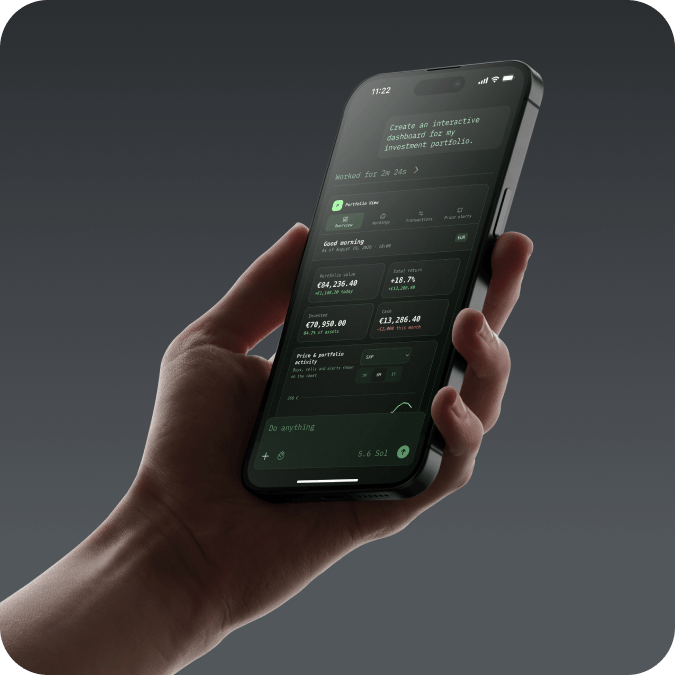
Scalable Your Scalable account, powered by your AI agent. |
 |
Agentic Connect natively with agents like ChatGPT or Claude. |
|
Investing Build, monitor and analyse your portfolio through natural language. |
A new frontier
Join Europe’s first bank to offer seamless AI-powered investing and connect your ChatGPT, Claude or any other AI agent directly to your
Scalable account.
Find inspiration for your first prompt
"Create a personalised newsletter based on the securities in my Broker account and on my watchlist, every trading day at 7:00."
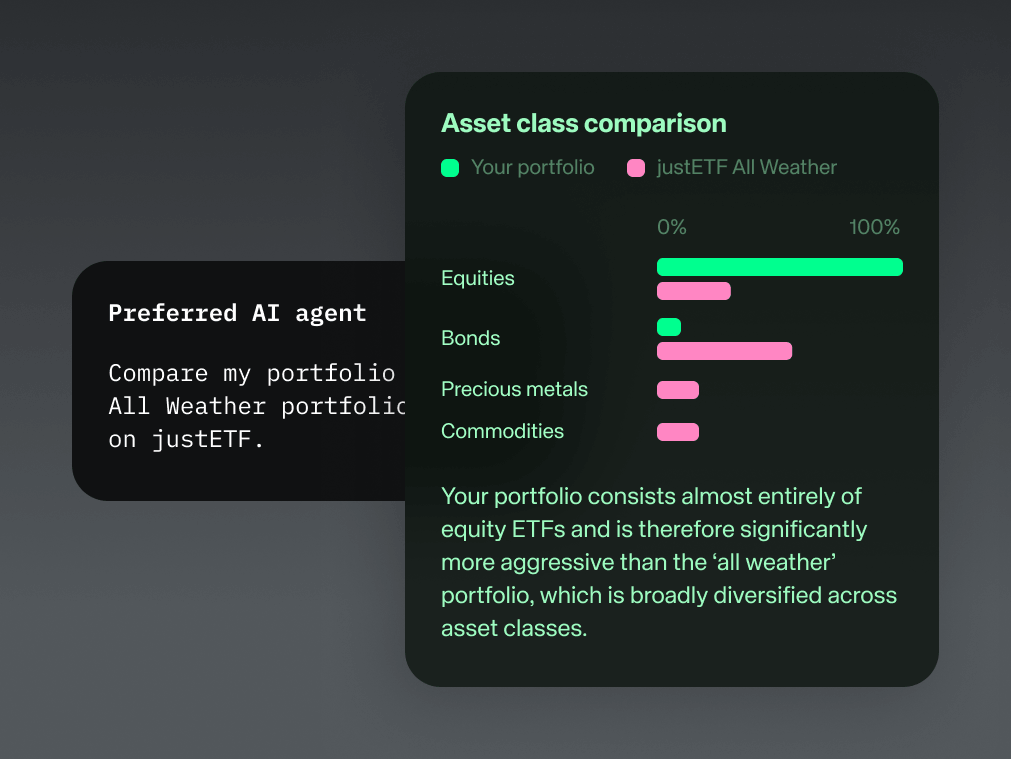
"Compare my Broker account with the Allweather portfolio on justETF."
"Export my transactions in crypto ETPs from the 2025 calendar year in CSV format."
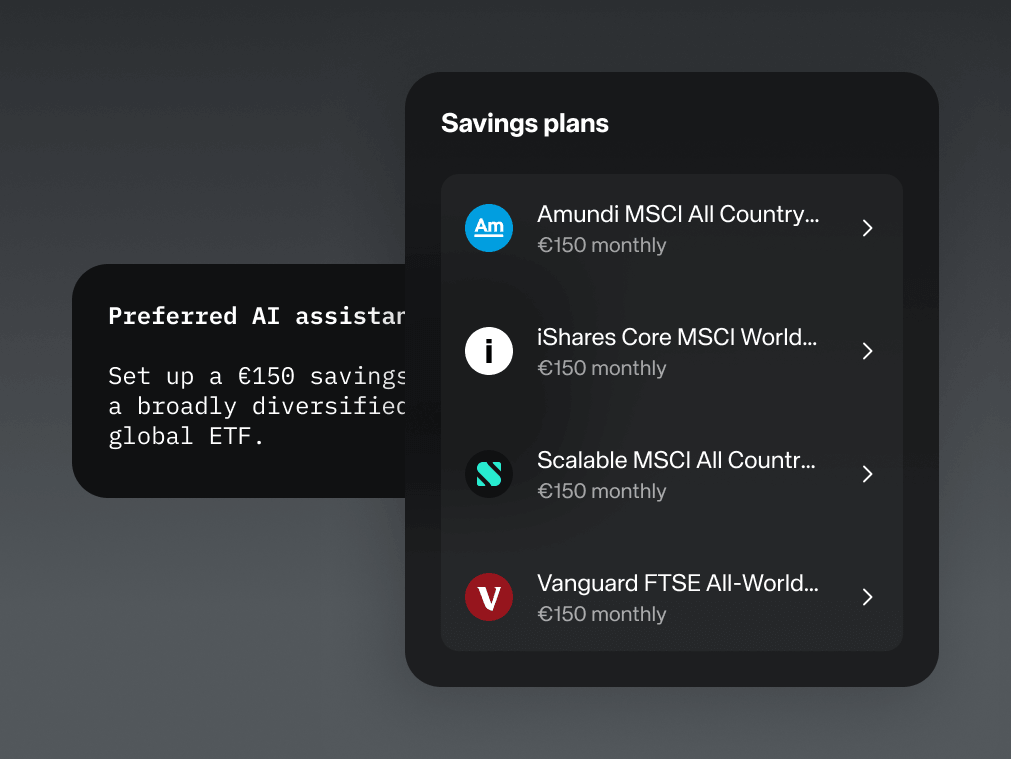
"Calculate a monthly savings amount to reach €25,000 in 10 years with an expected return of 7% p.a. Prepare a corresponding savings plan order for the Scalable World ETF."
"Change the limit for my Siemens buy order to 5% below the current ask price."
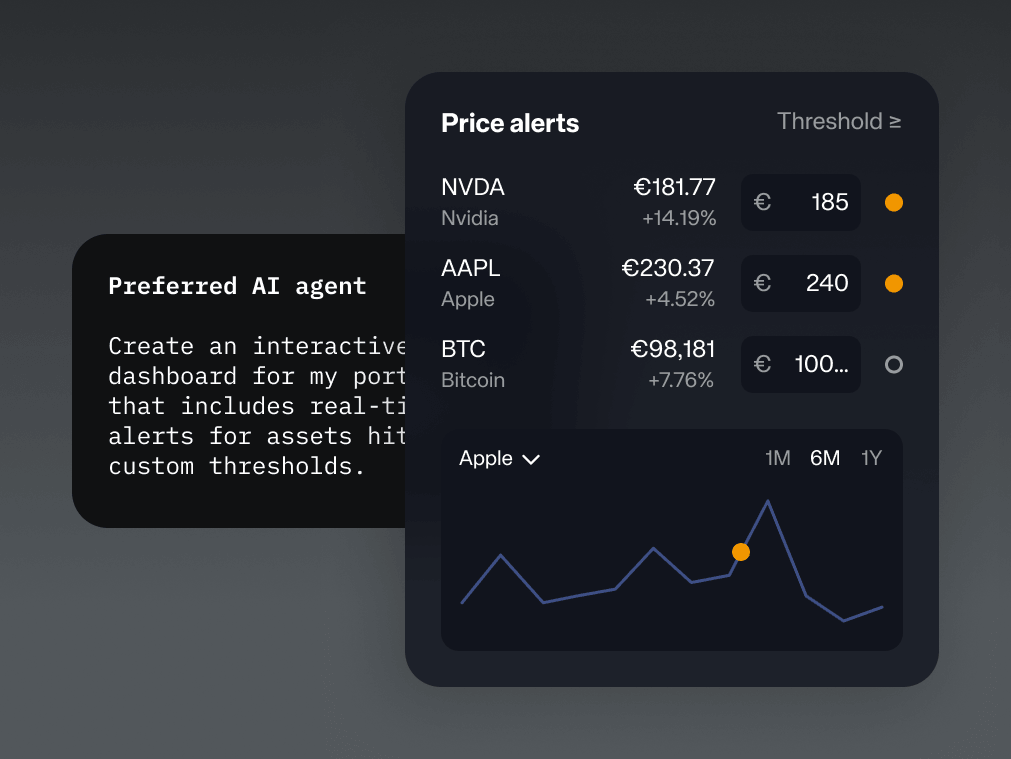
"Create an interactive dashboard for my Broker account: with holdings, performance, transactions and a price chart that directly displays my purchases, sales and price alerts – including a news ticker for my securities."
“Show me your capabilities through the Scalable MCP.”

You are in control
 |
Order approval |
|
Complete transparency |
|
Granular control |
Quick and easy setup
MCP: Connect to the Model Context Protocol
To set up your connection, follow these two steps:
- First, activate MCP access in your Scalable account on the web under Profile > Security > Agentic Investing.
- Then, enter the Scalable MCP server URL (https://mcp.scalable.capital/mcp) on the web into your AI agent interface using the instructions below.
Platform capabilities & limitations: The Scalable MCP generally offers the full range of features. AI agents may restrict certain features based on their own guidelines.
On the web go to Plugins, select the plus icon (+) and create a new plugin using the Scalable MCP server address: https://mcp.scalable.capital/mcp. Further information can be found in the ChatGPT documentation.
Note: Some features may be restricted due to provider policies.
Go to Settings > Plugins > MCPs, add a Streamable HTTP server and enter the Scalable MCP server address: https://mcp.scalable.capital/mcp. Further information can be found in the Codex documentation.
On the web go to Customize > Connectors, select Add custom connector and enter the Scalable MCP server address: https://mcp.scalable.capital/mcp. Further information can be found in the Claude documentation.
On the web go to grok.com/connectors, select New Connector > Custom and enter the Scalable MCP server address: https://mcp.scalable.capital/mcp. Further information can be found in the Grok documentation.
Scalable MCP works with supported AI agents and compatible local agents. Support for additional AI agents may be added in the future.
CLI Connect to your terminal
Use the Scalable CLI and manage your portfolio directly from your terminal using our official command-line interface – ideal for custom scripts and automated workflows.
MCP vs. CLI
Scalable MCP |
Scalable CLI |
|
|---|---|---|
Primary use |
Investors with interest in tech |
Developers, power users and terminal fans |
Where it runs |
Cloud-hosted by Scalable |
Runs locally on your device |
Interface |
AI agent like ChatGPT or Claude |
Terminal |
Setup |
Connect the MCP server to a supported AI agents |
Install and configure the CLI in your terminal |
How you interact |
Natural language text prompts |
Direct commands, flags & script automation |
Best for |
Conversational access, quick portfolio queries and AI-supported exploration |
Advanced automation, custom scripts and terminal-based workflows |